Know the layout
Start with keys you already understand.

Your first custom build · 7 min read
The best beginner kit is not the one with the fewest parts. It is the one with a familiar layout, clear compatibility, and no surprises at checkout.
Find your starting point →
Start with keys you already understand.
Choose hot-swap for the easier first route.
Before checkout, make sure every part for your build is included.
Two verified starting points
Both are current compact DIY-kit examples. The right one depends on what you are willing to trade.
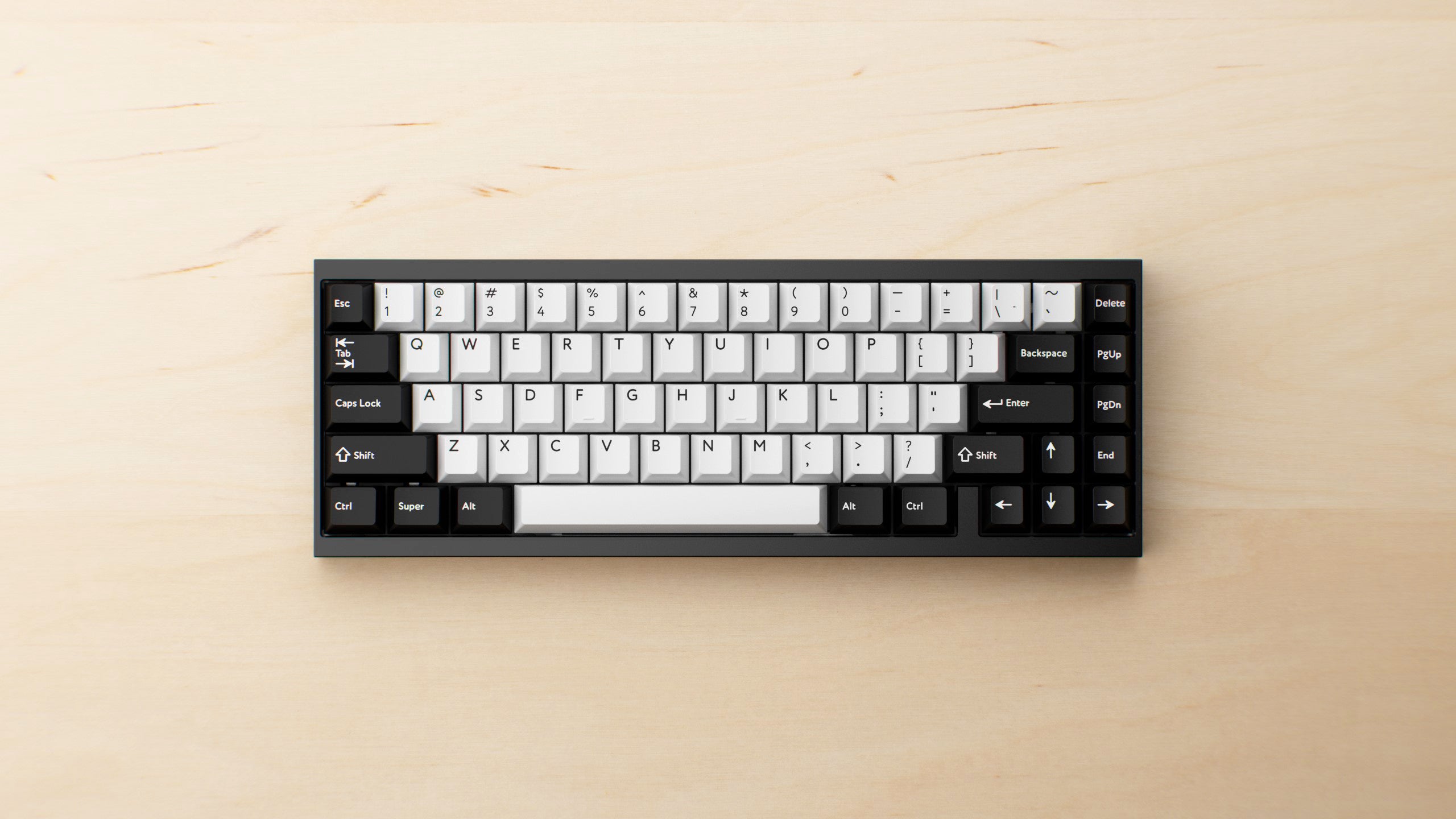
01 · STARTING POINT
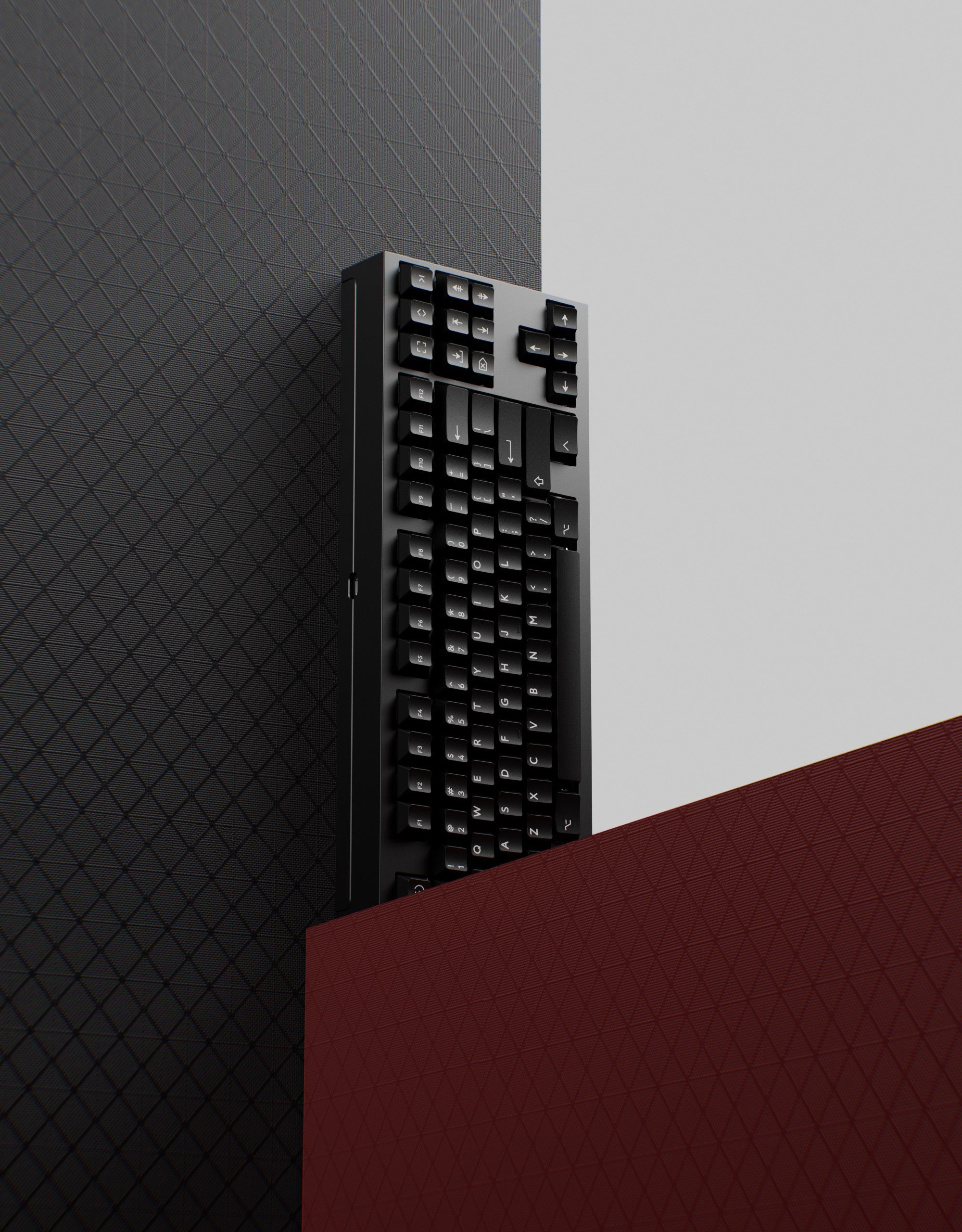
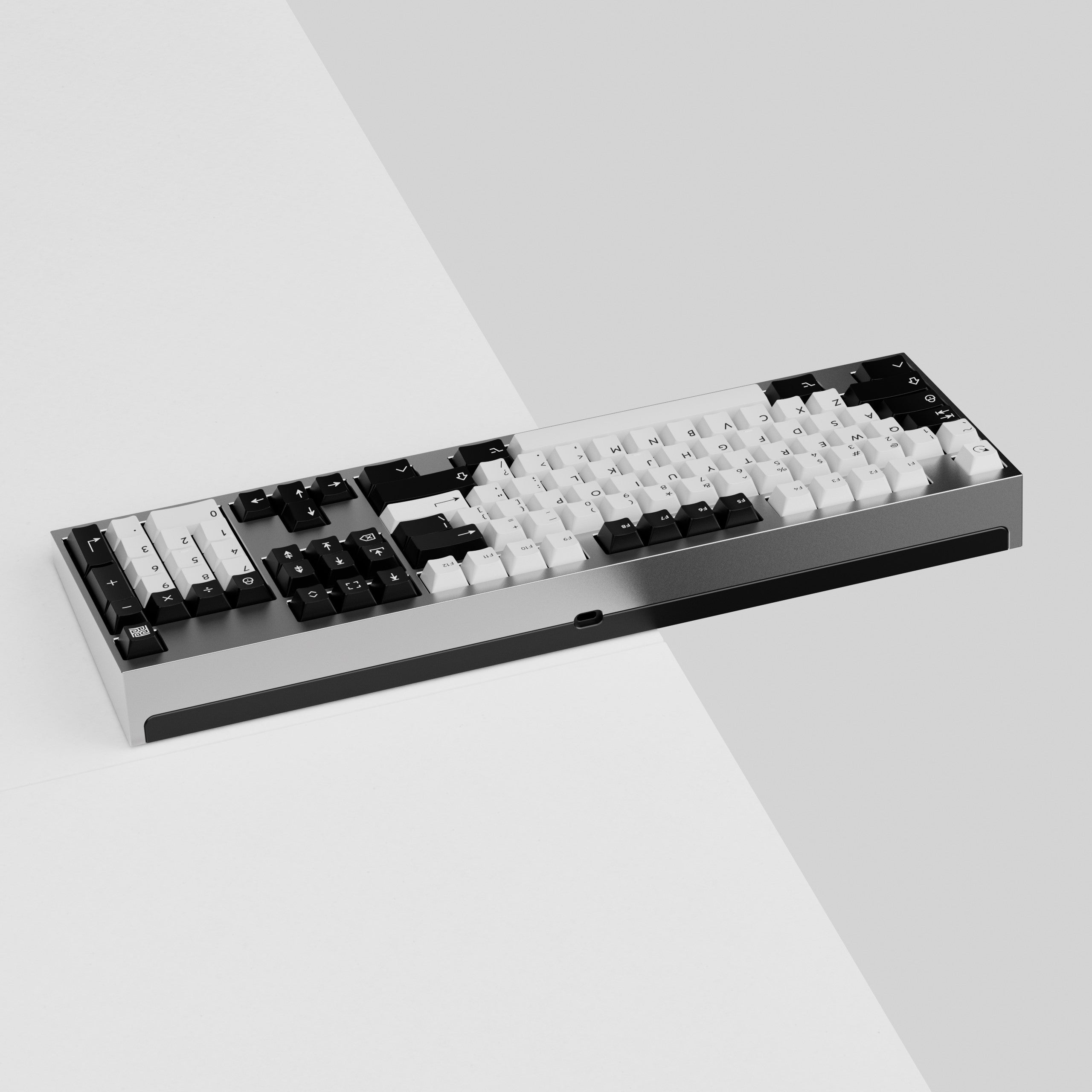
A practical first compact build when navigation, spreadsheets and everyday editing are part of your routine.
Takes more desk space than 60%; the function row still lives on a layer.
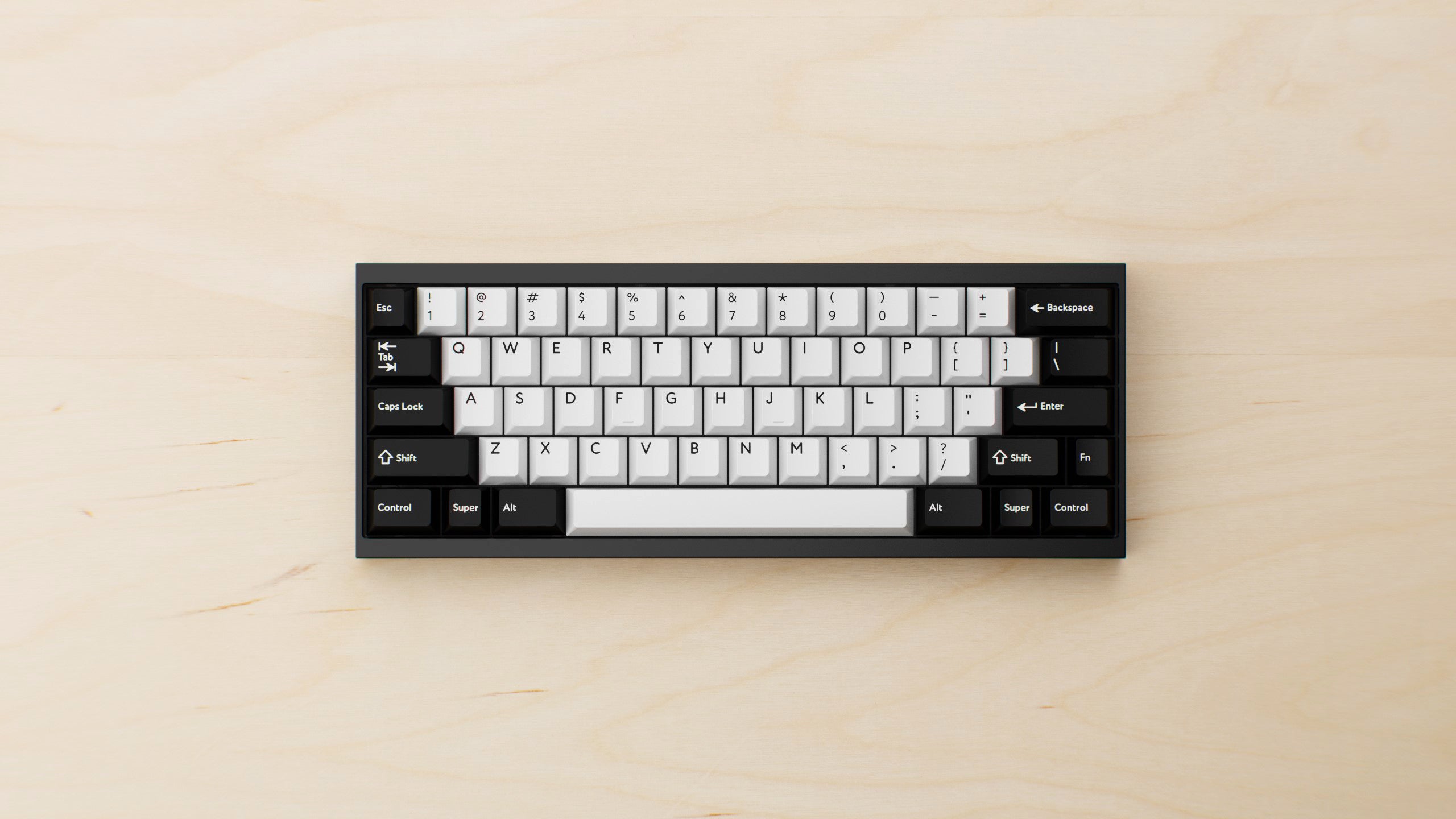
02 · STARTING POINT
A strong starting point when a small footprint matters and learning layers feels like a reasonable trade.
Arrows, navigation and function keys commonly require layer shortcuts.
A 30-second decision
Choose one layout priority, then choose how hands-on you want the build to be. Hot-swap is available for both starting points.
Two compatible starting points
Hot-swap DIYWhen neither fits
Beginner buying checklist
Complete these in order before placing your first kit in the cart.
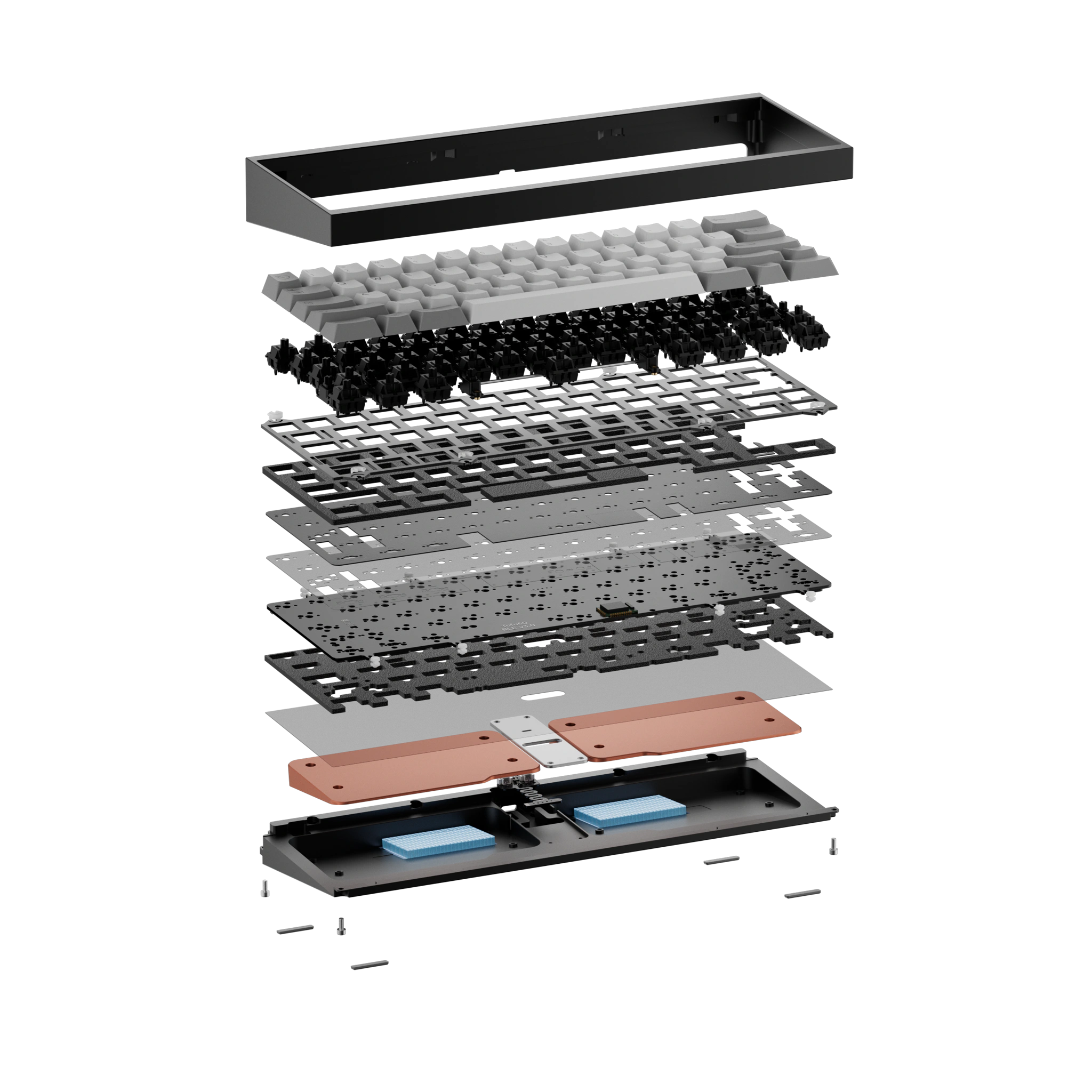
Build readiness
Questions, answered
Choose 65% if you frequently use arrow keys and want fewer layer shortcuts. Choose 60% if desk space matters more and you are comfortable learning layers. Neither is universally better.
Not always. Kit contents vary by product and selected options. Verify switches, stabilizers, keycaps and cable individually before checkout.
Hot-swap is usually the easier first-build route because compatible switches can be installed without soldering.
Often, but upgrades must remain compatible with the exact product revision.
Build with confidence
A clear compatibility list and the right assembly route matter more than any universal “best kit” label.
Browse current DIY kits →